Product
Seven areas. One matter in the middle.
Every part of the practice is an area of one app, and every area writes to the same place: the matter's timeline.
The tour
Where everything lives.
The same seven areas as the rail on the left of the app, in the same order, with the same keys.

- 01 · Workspace · g t
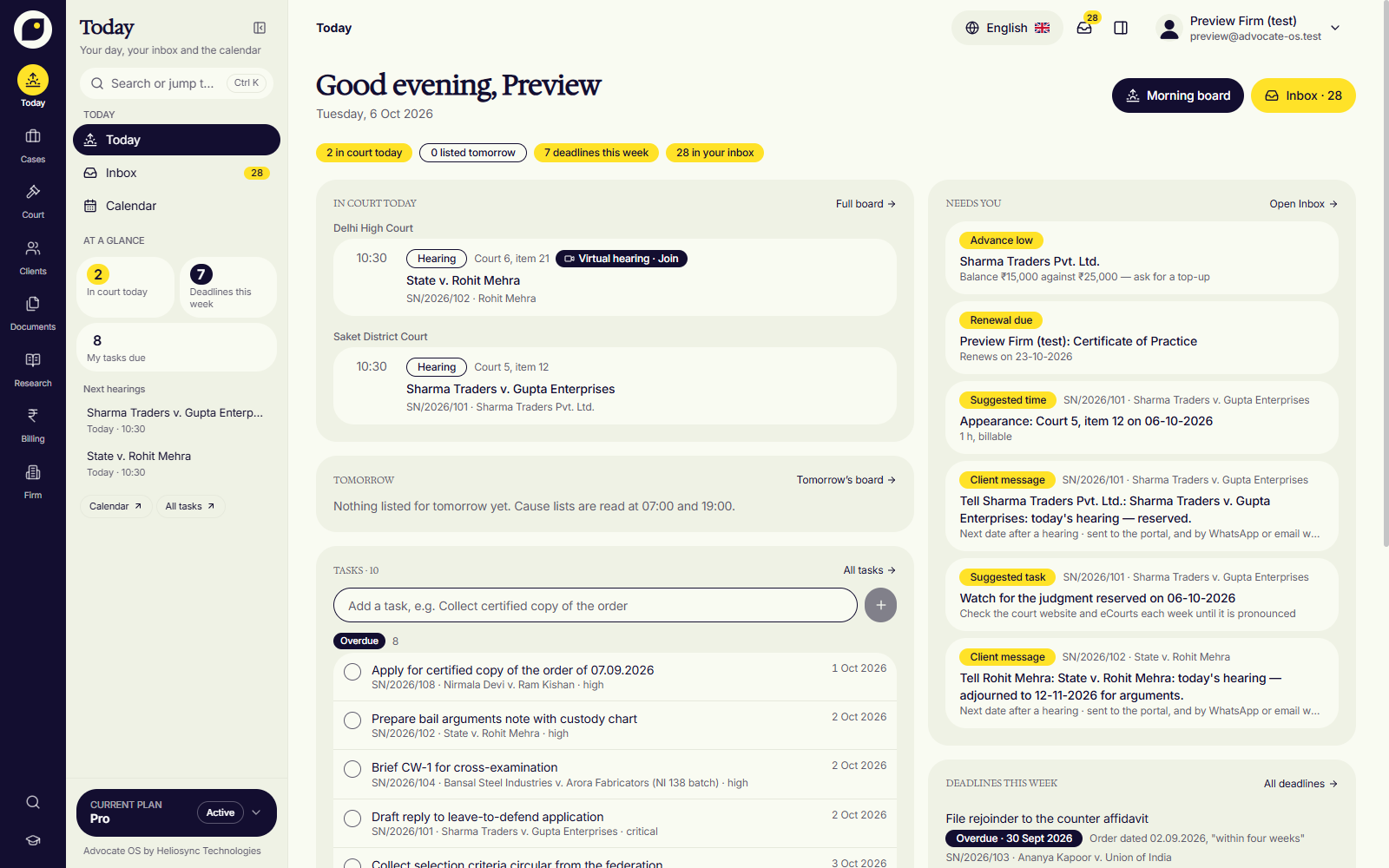
The day, before you ask for it.
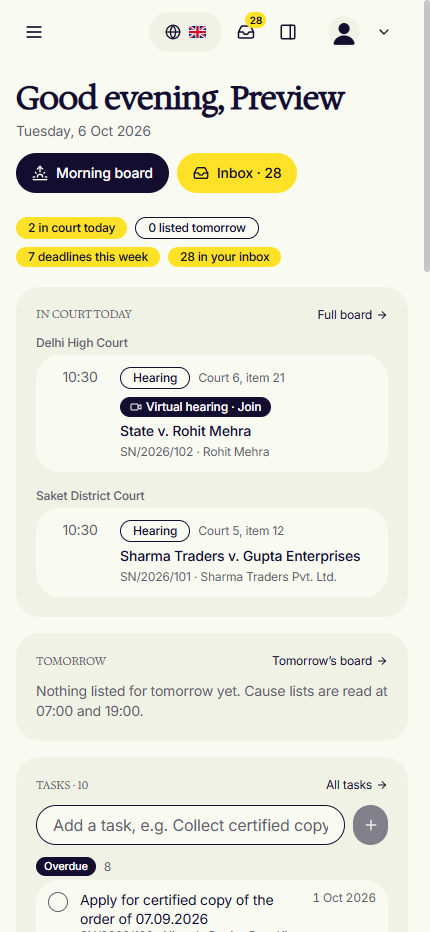
Court today and tomorrow with the cause lists already read and matched, what the inbox needs from you, and the tasks due. One screen to open at 8 a.m.
- Cause lists matched at 07:00
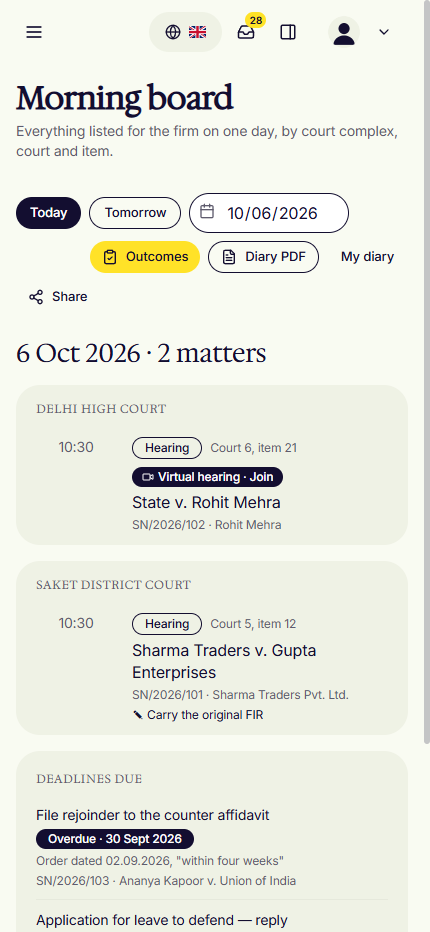
- Morning board, even offline
- One inbox for what needs you
- 02 · Cases · g m
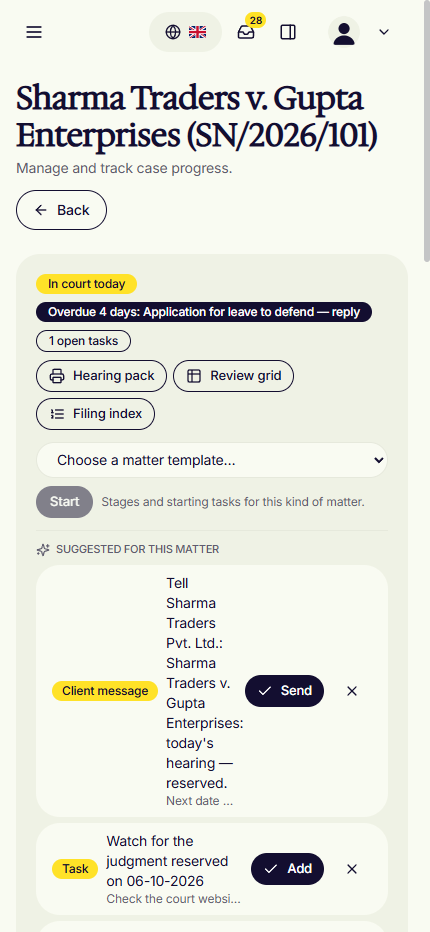
A case is a timeline.
Paste a CNR and the matter fills in from eCourts. Orders, drafts, messages and invoices land on it in order, with the stage and what comes next.
- Paste a CNR, the case fills in
- One timeline per matter
- Deadlines counted from the rules
- 03 · Clients · g l
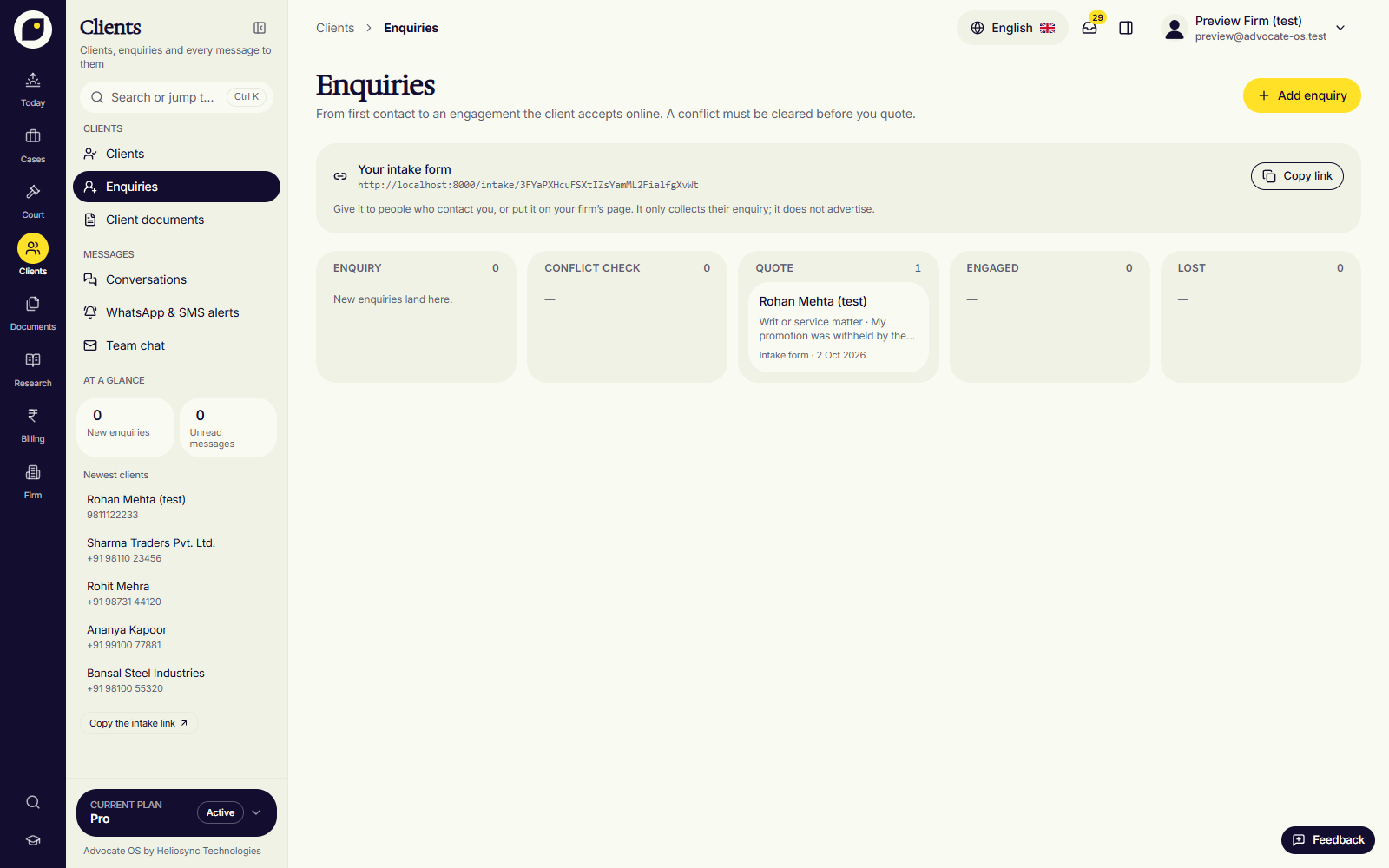
From enquiry to engagement.
Enquiries with a conflict check before any quote, consent on file before any WhatsApp, and every message on the matter.
- Enquiries and conflict check
- Updates in English or Hindi
- A portal for each client
- 04 · Drafting · g d
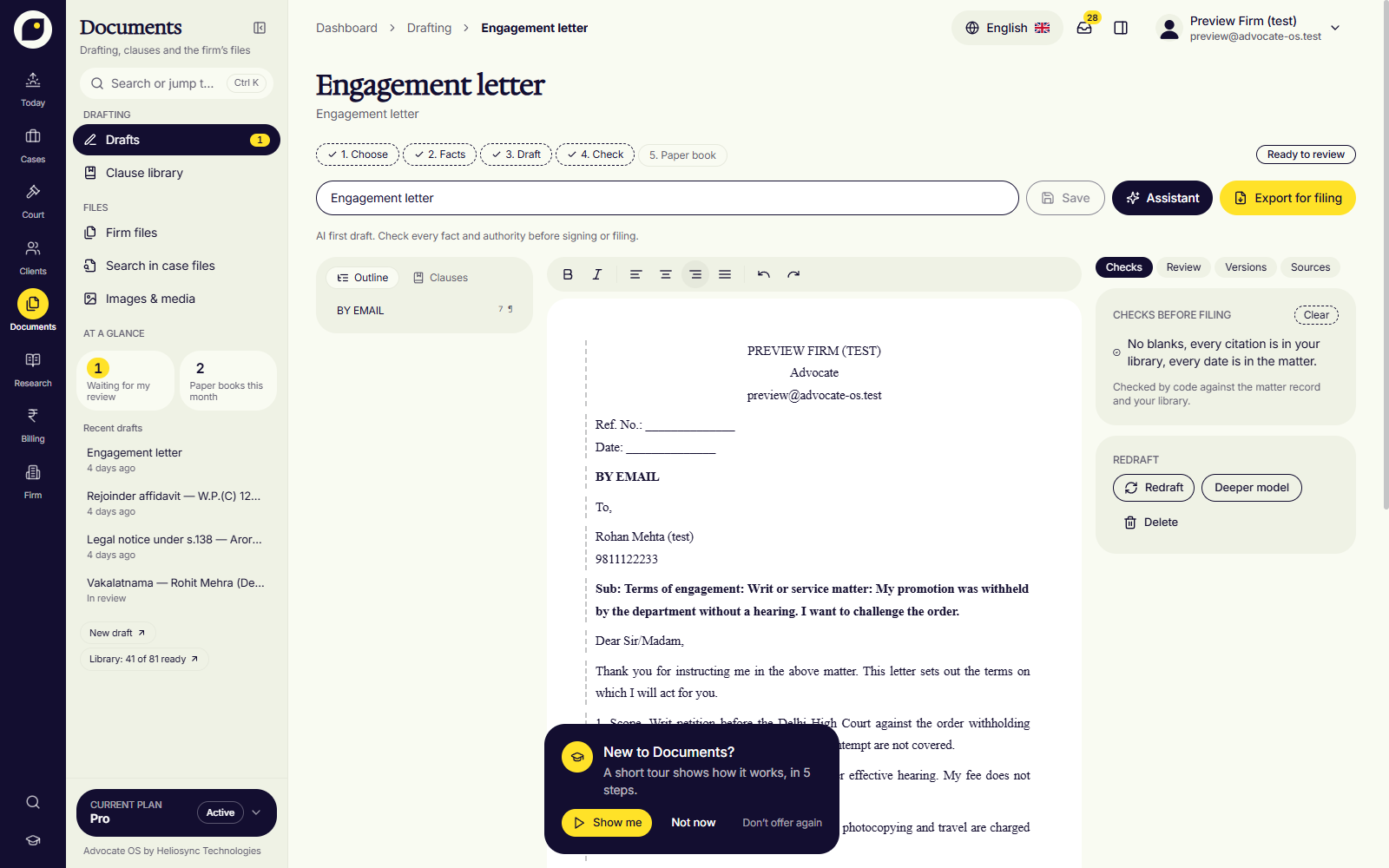
Drafts that pass the checks.
Eighteen Indian blueprints. Cause title, prayer and verification by code; AI writes only what you ask for, and open placeholders block the export.
- Eighteen Indian blueprints
- Checks gate the export
- Clause library and versions
- 05 · Research · g r
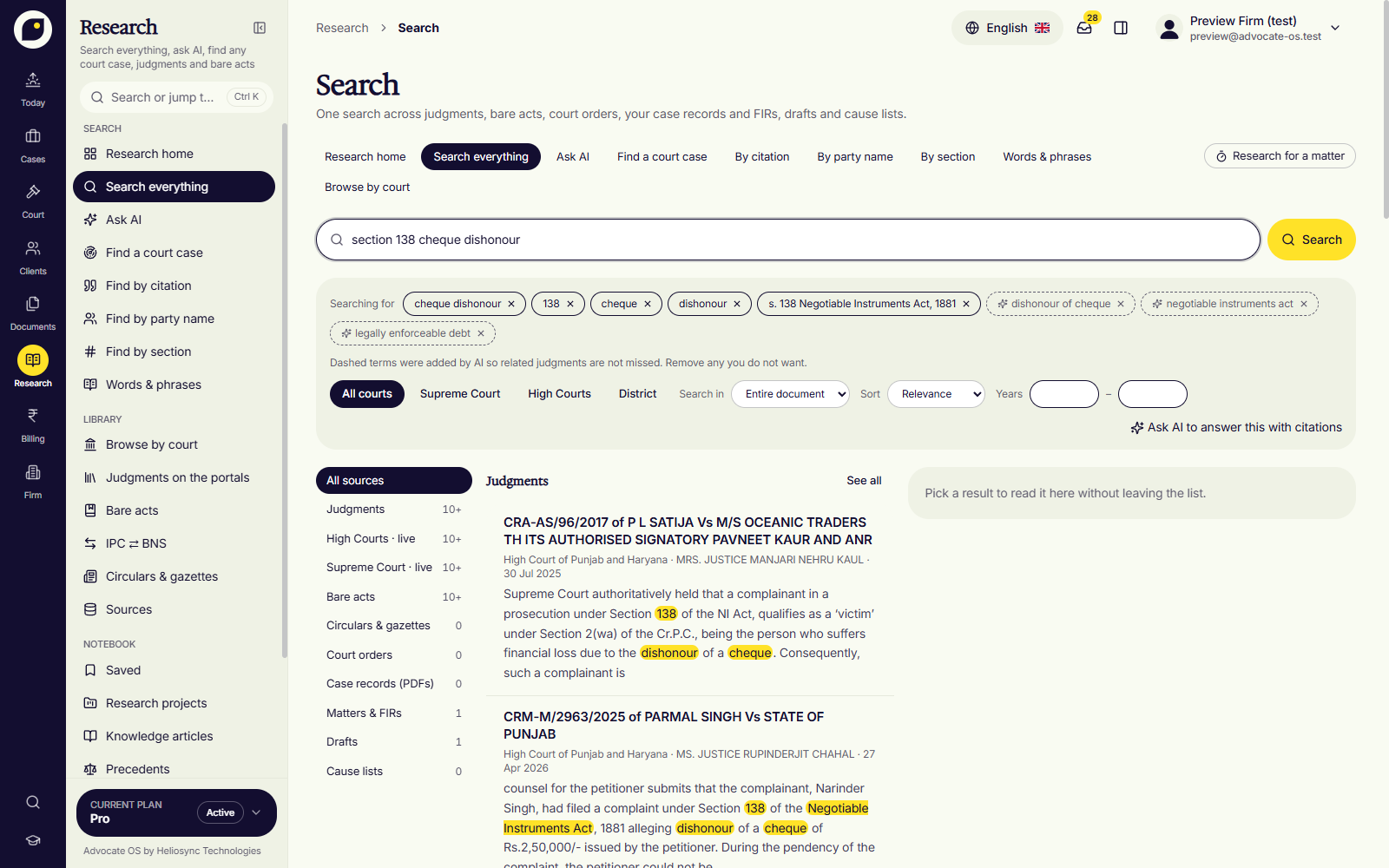
Search everything at once.
Judgments, bare acts, orders, your own record and drafts in one search, each source its own lane, every answer citing a paragraph.
- Judgments, acts, your record
- Answers that cite a paragraph
- IPC to BNS mapping
- 06 · Billing · g b
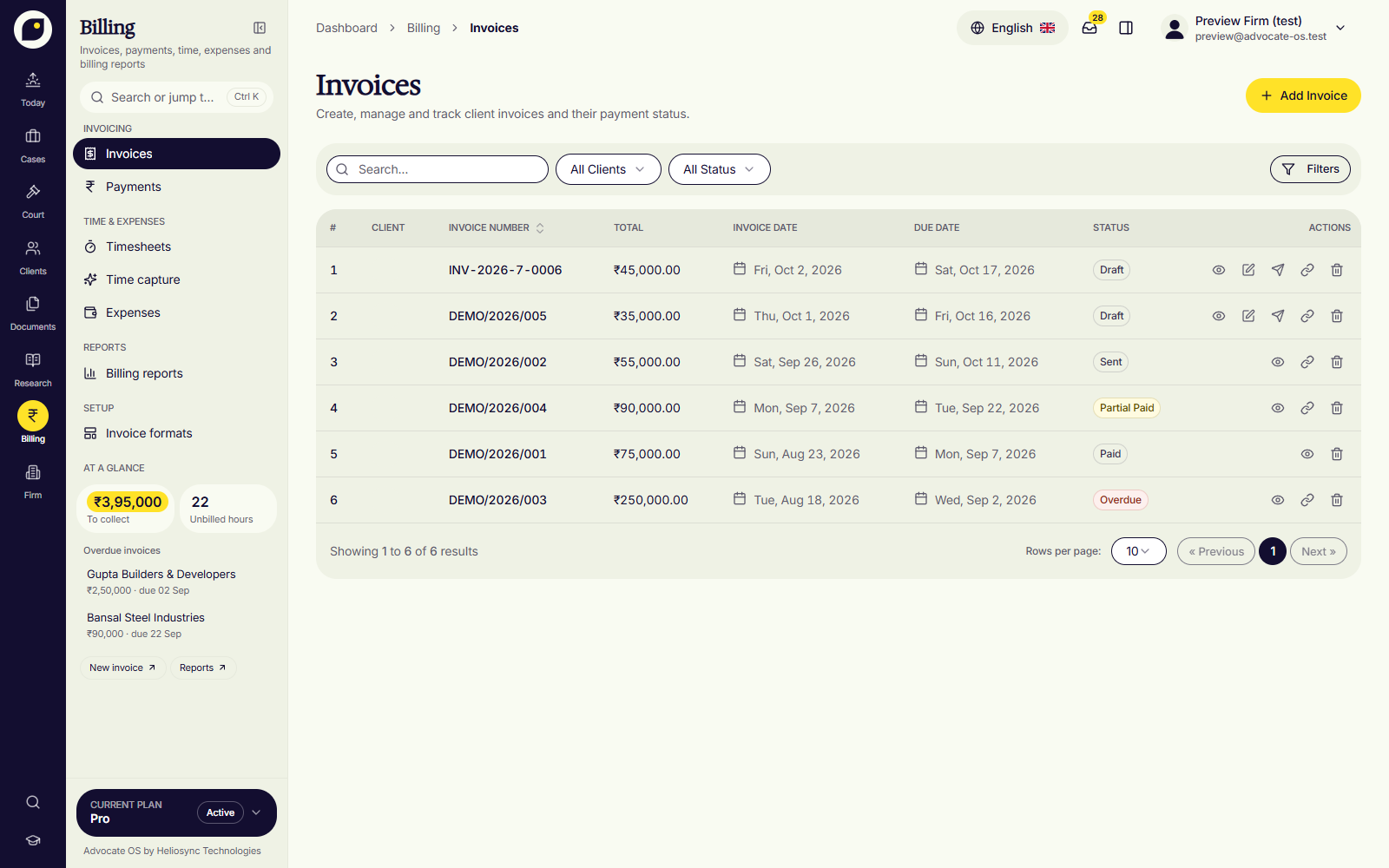
Getting paid, in one place.
GST-ready invoices, UPI and payment links, advances and disbursements, and time suggested from the day you actually had.
- GST-ready invoices, UPI
- Time suggested from the day
- Advances tracked
- 07 · Firm · g f
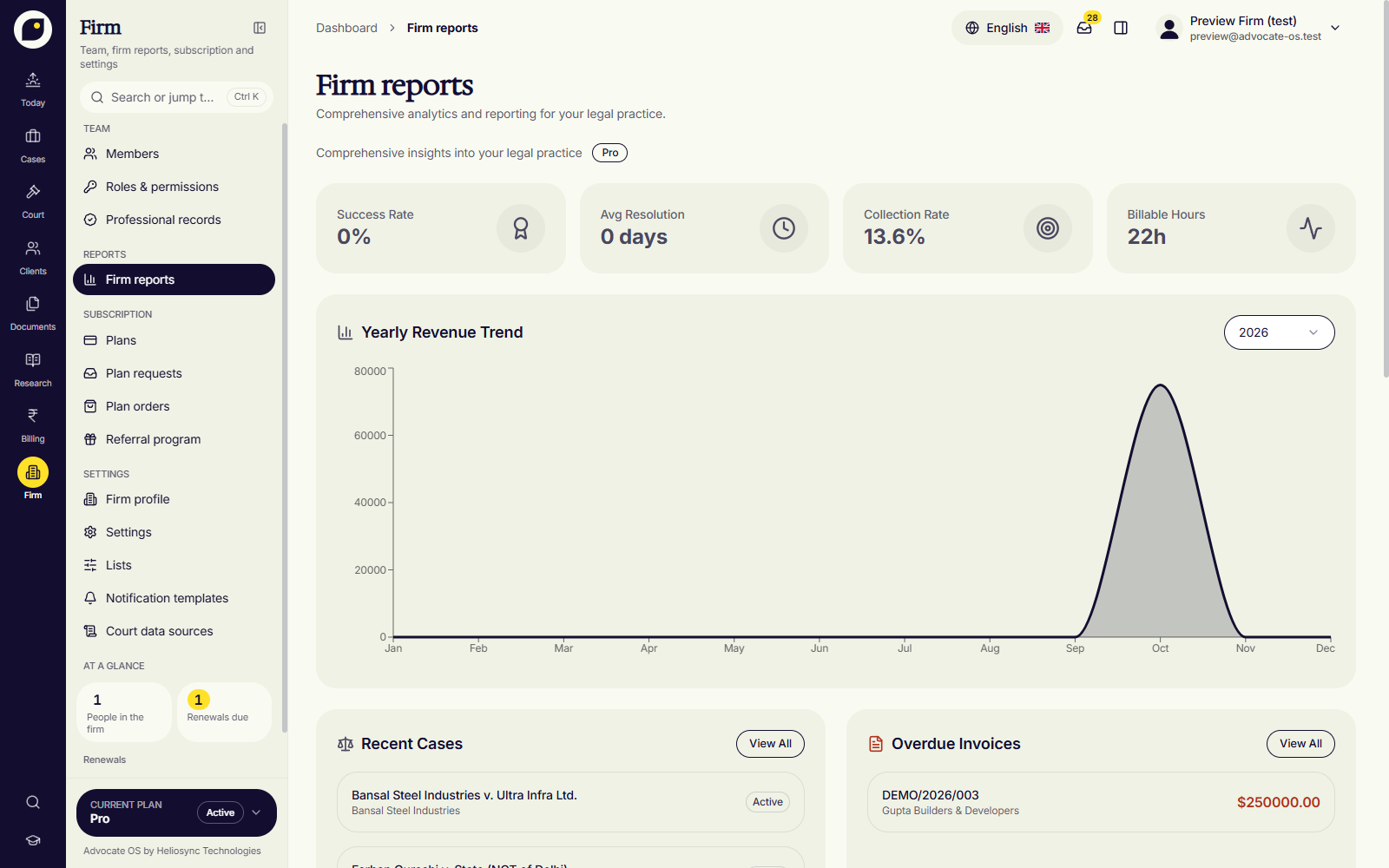
The firm, in numbers.
Members and their practice roles, roles and permissions, firm reports, the subscription and settings, in one area.
- Members and roles
- Firm reports
- Backups and settings
Keyboard first
Fast as a junior who knows the file.
Every area, list and action has a key. Try them here; the row lights up.
- CtrlKSearch or jump anywhere
- giOpen the inbox
- ]Open the assistant
- jkMove through any list
- ?Every shortcut
On the phone
Install it from the browser. Read the board in the corridor.
Advocate OS installs on the phone as a web app. The morning board is kept on the device, so it opens with no signal.